

# Welcome

INFRALESS provides a comprehensive library of pre-built modules (CDK and Terraform), tools, and frameworks designed to accelerate the implementation of robust and scalable infrastructure for any **SaaS Startup**.

### Jump right in

<table data-view="cards"><thead><tr><th></th><th></th><th data-hidden data-card-cover data-type="files"></th><th data-hidden></th><th data-hidden data-card-target data-type="content-ref"></th></tr></thead><tbody><tr><td><strong>Getting Started</strong></td><td>Create your first site</td><td></td><td></td><td><a href="/getting-started/quickstart">Activating your INFRALESS Account</a></td></tr><tr><td><strong>Basics</strong></td><td>Learn the basics of GitBook</td><td></td><td></td><td><a href="/basics/editor">Basics</a></td></tr><tr><td><strong>Publish your docs</strong></td><td>Share your docs online</td><td></td><td></td><td><a href="/getting-started/publish-your-docs">Publish your docs</a></td></tr></tbody></table>


# INFRALESS Components

## Overview

INFRALESS Modules provides a collection of *DevOps components* that serve as  building blocks for constructing best-practice infrastructure from Foundation to GenAI and CI/CD setup using AWS CDK and Terraform\*.

Modern cloud infrastructure involves numerous components, spanning areas such as infrastructure pipelines, secrets management, FinOps, and application deployment. Establishing and managing each component independently requires a deep understanding of core infrastructure needs, the development of strategies to address them, the implementation of solutions, and ongoing maintenance. INFRALESS  components addresses these challenges by offering:

* Pre-defined strategic recommendations
* A curated collection of Infrastructure-as-Code (IaC) modules with comprehensive documentation
* Tools that directly meet underlying infrastructure needs
* A streamlined method for integrating components into your environment
* Ongoing updates to ensure alignment with the latest best practices

When setting up a new component, customers also have access to guidance from the INFRALESS team of AWS certified engineers. Their support ensures correct implementation within your environment and adaptability to meet evolving needs.

## Available components

INFRALESS is constantly evolving and currently offers several AWS INFRA components:<br>

<table data-view="cards"><thead><tr><th></th><th></th><th data-hidden data-card-cover data-type="files"></th><th data-hidden></th><th data-hidden data-card-target data-type="content-ref"></th></tr></thead><tbody><tr><td><strong>INFRALESS Foundation</strong></td><td>Start or Update to an AWS Well Architect Framework foundation with our <strong>AWS CDK Infrastructure library</strong> that includes:</td><td><a href="https://4285965475-files.gitbook.io/~/files/v0/b/gitbook-x-prod.appspot.com/o/spaces%2FAMBLq6YbAmbmL5mCaaVB%2Fuploads%2FJGaC1ESi1ZnQeuj5U5aN%2F679dae824c63429222006f8a_INFRALESS_Apps_image_card_v3-p-1080.png?alt=media&amp;token=dbe94d57-5d8d-486f-805c-f91ffd4f33e5">679dae824c63429222006f8a_INFRALESS_Apps_image_card_v3-p-1080.png</a></td><td></td><td><a href="/getting-started/quickstart">Activating your INFRALESS Account</a></td></tr><tr><td><strong>INFRALESS Apps</strong></td><td><p>Run your workloads using enterprise battle-tested configurations</p><p><br></p></td><td><a href="https://4285965475-files.gitbook.io/~/files/v0/b/gitbook-x-prod.appspot.com/o/spaces%2FAMBLq6YbAmbmL5mCaaVB%2Fuploads%2FmY9FJf0yopjwJiP9Kjm1%2F679daec55b7f77a3f164b38c_INFRALESS_foundation_setup_v3-p-1080.png?alt=media&amp;token=2be1d347-956e-4543-9551-5c2e94e1b115">679daec55b7f77a3f164b38c_INFRALESS_foundation_setup_v3-p-1080.png</a></td><td></td><td><a href="/basics/editor">Basics</a></td></tr><tr><td><strong>INFRALESS GenAI</strong></td><td><p>Deploy <strong>AWS BedRock</strong> use cases for <strong>ChatBot</strong>, <strong>Charts</strong> and <strong>Automations</strong> in days and not weeks!</p><p></p></td><td></td><td></td><td><a href="/getting-started/publish-your-docs">Publish your docs</a></td></tr><tr><td><strong>INFRALESS CI/CD</strong></td><td><p>Proven GitHub configurations that include:  <strong>Repo configurations, Branch Protection and GitHub Action Integration.</strong></p><p></p></td><td></td><td></td><td></td></tr></tbody></table>

## Building your own components

INFRALESS  components provide a substantial foundation for modern cloud infrastructure but are not intended to cover every possible need. Customers are encouraged to expand upon these components by integrating their own solutions to develop a comprehensive infrastructure if they want to, or they can rely on our expert support to expand or create new components. Check out our **INFRALESS Modernisation Accelerate Plan.**

Each component  is purposefully designed for extensibility and customization. Recognizing that many customers are developers, INFRALESS empowers customers to create tailored solutions that address their unique requirements, rather than rely solely on pre-built components. Collaboration is a key focus, and INFRALESS actively welcomes customer feedback and contributions to continually refine and enhance its offerings.


# Activating your INFRALESS Account

### 1. Accept your invitation <a href="#id-1-accept-your-invitation" id="id-1-accept-your-invitation"></a>

You’ll receive an email invitation from our GitHub Org  `INFRALESS-IO` prompting you to accept the invitation and join our GitHub Organisation.

{% hint style="info" %}
Want to invite other members of your team? Email us at <onboard@infrales.io> with the GitHub ID of all your members.
{% endhint %}


# Publish your docs

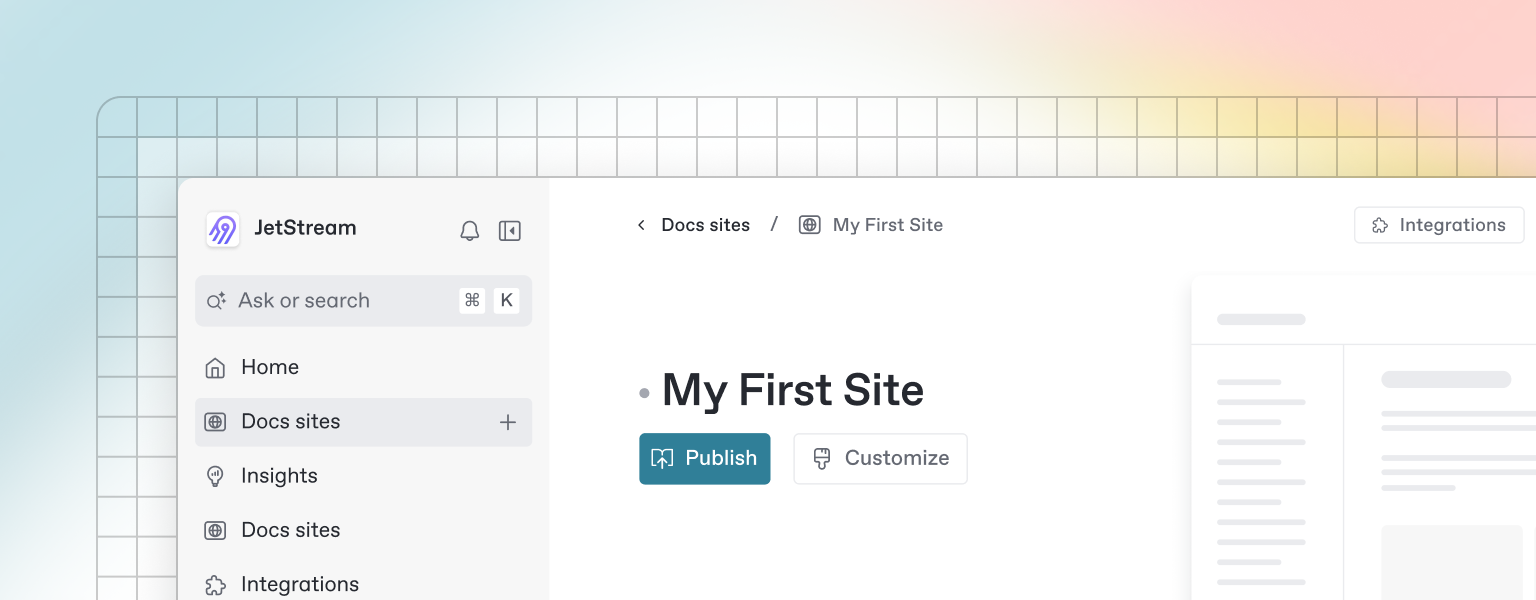
Once you’ve finished writing, editing, or importing your content, you can publish your work to the web as a docs site. Once published, your site will be accessible online only to your selected audience.

You can publish your site and find related settings from your docs site's homepage.

<figure><img src="https://gitbookio.github.io/onboarding-template-images/publish-hero.png" alt=""><figcaption></figcaption></figure>


# Editor

GitBook has a powerful block-based editor that allows you to seamlessly create, update, and enhance your content.

<figure><img src="https://gitbookio.github.io/onboarding-template-images/editor-hero.png" alt=""><figcaption></figcaption></figure>

### Writing content

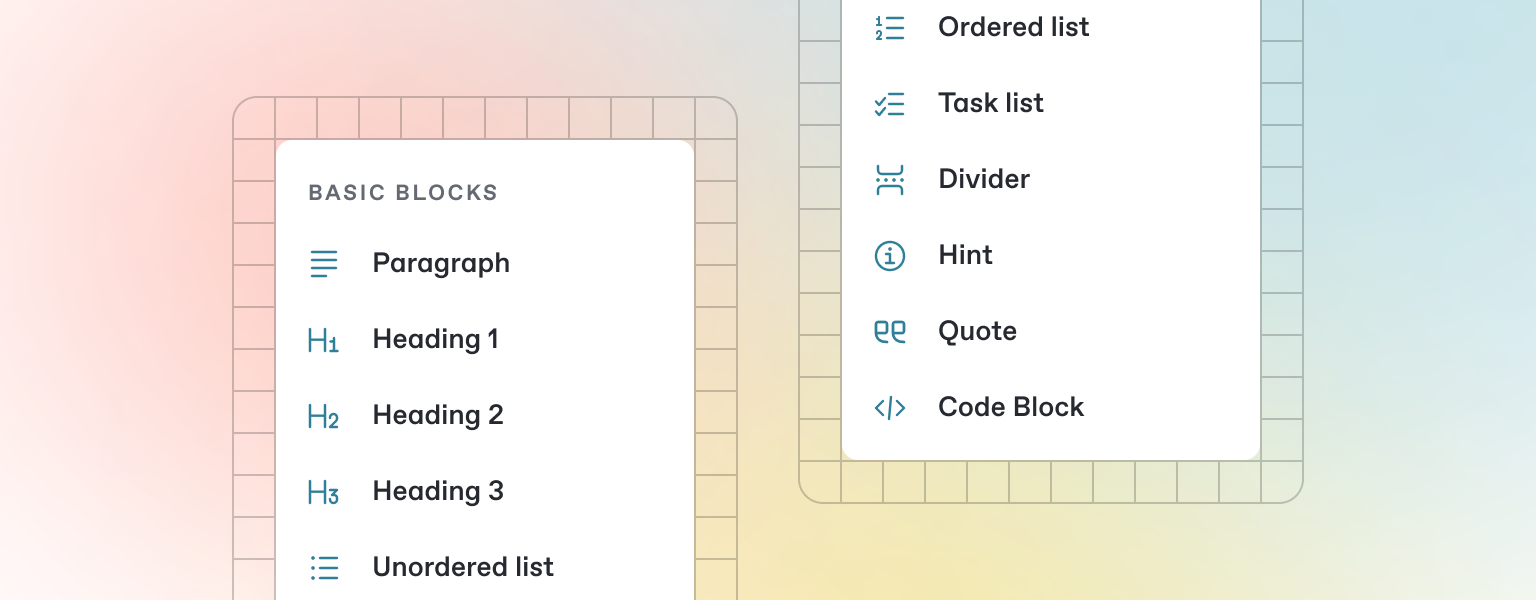
GitBook offers a range of block types for you to add to your content inline — from simple text and tables, to code blocks and more. These elements will make your pages more useful to readers, and offer extra information and context.

Either start typing below, or press `/` to see a list of the blocks you can insert into your page.

### Add a new block

{% stepper %}
{% step %}

### Open the insert block menu

Press `/` on your keyboard to open the insert block menu.
{% endstep %}

{% step %}

### Search for the block you need&#x20;

Try searching for “Stepper”, for exampe, to insert the stepper block.
{% endstep %}

{% step %}

### Insert and edit your block

Click or press Enter to insert your block. From here, you’ll be able to edit it as needed.
{% endstep %}
{% endstepper %}


# Markdown

GitBook supports many different types of content, and is backed by Markdown — meaning you can copy and paste any existing Markdown files directly into the editor!

<figure><img src="https://gitbookio.github.io/onboarding-template-images/markdown-hero.png" alt=""><figcaption></figcaption></figure>

Feel free to test it out and copy the Markdown below by hovering over the code block in the upper right, and pasting into a new line underneath.

```markdown
# Heading

This is some paragraph text, with a [link](https://docs.gitbook.com) to our docs. 

## Heading 2
- Point 1
- Point 2
- Point 3
```

{% hint style="info" %}
If you have multiple files, GitBook makes it easy to import full repositories too — allowing you to keep your GitBook content in sync.
{% endhint %}


# Images & media

GitBook allows you to add images and media easily to your docs. Simply drag a file into the editor, or use the file manager in the upper right corner to upload multiple images at once.

<figure><img src="https://gitbookio.github.io/onboarding-template-images/images-hero.png" alt=""><figcaption><p>Add alt text and captions to your images</p></figcaption></figure>

{% hint style="info" %}
You can also add images simply by copying and pasting them directly into the editor — and GitBook will automatically add it to your file manager.
{% endhint %}


# Interactive blocks

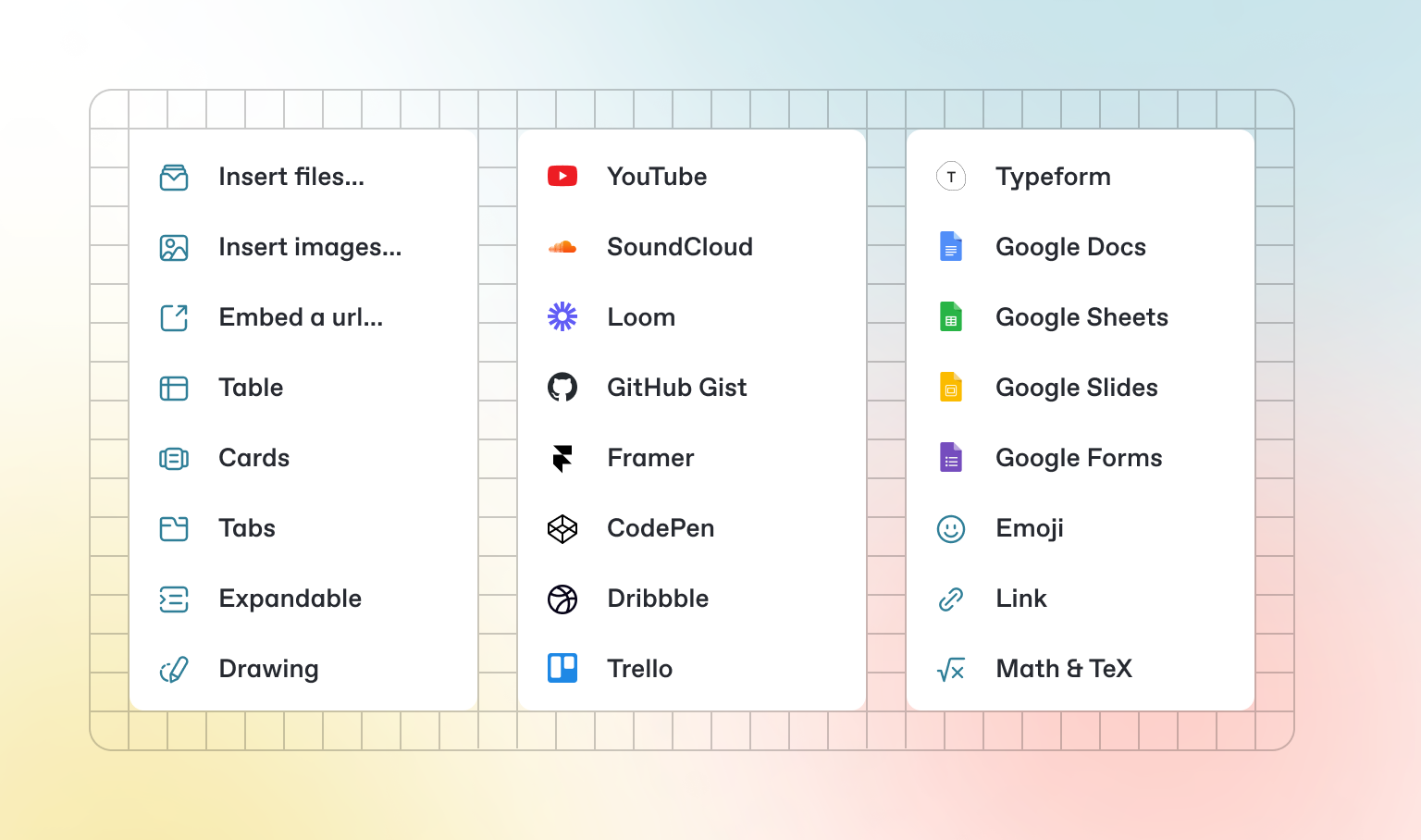
In addition to the default Markdown you can write, GitBook has a number of out-of-the-box interactive blocks you can use. You can find interactive blocks by pressing `/` from within the editor.

<figure><img src="https://gitbookio.github.io/onboarding-template-images/interactive-hero.png" alt=""><figcaption></figcaption></figure>

### Tabs

{% tabs %}
{% tab title="First tab" %}
Each tab is like a mini page — it can contain multiple other blocks, of any type. So you can add code blocks, images, integration blocks and more to individual tabs in the same tab block.
{% endtab %}

{% tab title="Second tab" %}
Add images, embedded content, code blocks, and more.

```javascript
const handleFetchEvent = async (request, context) => {
    return new Response({message: "Hello World"});
};
```

{% endtab %}
{% endtabs %}

### Expandable sections

<details>

<summary>Click me to expand</summary>

Expandable blocks are helpful in condensing what could otherwise be a lengthy paragraph. They are also great in step-by-step guides and FAQs.

</details>

### Drawings

<img alt="" class="gitbook-drawing">

### Embedded content

{% embed url="<https://www.youtube.com/watch?v=YILlrDYzAm4>" %}

{% hint style="info" %}
GitBook supports thousands of embedded websites out-of-the-box, simply by pasting their links. Feel free to check out which ones[ are supported natively](https://iframely.com).
{% endhint %}


# OpenAPI

You can sync GitBook pages with an OpenAPI or Swagger file or a URL to include auto-generated API methods in your documentation.

### OpenAPI block

GitBook's OpenAPI block is powered by [Scalar](https://scalar.com/), so you can test your APIs directly from your docs.

{% openapi src="<https://petstore3.swagger.io/api/v3/openapi.json>" path="/pet" method="post" %}
<https://petstore3.swagger.io/api/v3/openapi.json>
{% endopenapi %}


# Integrations

GitBook integrations allow you to connect your GitBook spaces to some of your favorite platforms and services. You can install integrations into your GitBook page from the *Integrations* menu in the top left.

<figure><img src="https://gitbookio.github.io/onboarding-template-images/integrations-hero.png" alt=""><figcaption></figcaption></figure>

### Types of integrations

<table data-card-size="large" data-view="cards"><thead><tr><th></th><th></th><th data-hidden data-card-target data-type="content-ref"></th><th data-hidden data-card-cover data-type="files"></th><th data-hidden></th></tr></thead><tbody><tr><td><strong>Analytics</strong></td><td>Track analytics from your docs</td><td><a href="https://www.gitbook.com/integrations#analytics">https://www.gitbook.com/integrations#analytics</a></td><td></td><td></td></tr><tr><td><strong>Support</strong></td><td>Add support widgets to your docs</td><td><a href="https://www.gitbook.com/integrations#support">https://www.gitbook.com/integrations#support</a></td><td></td><td></td></tr><tr><td><strong>Interactive</strong></td><td>Add extra functionality to your docs</td><td><a href="https://www.gitbook.com/integrations#interactive">https://www.gitbook.com/integrations#interactive</a></td><td></td><td></td></tr><tr><td><strong>Visitor Authentication</strong></td><td>Protect your docs and require sign-in</td><td><a href="https://www.gitbook.com/integrations#visitor-authentication">https://www.gitbook.com/integrations#visitor-authentication</a></td><td></td><td></td></tr></tbody></table>